
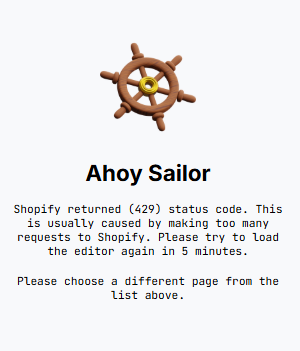
If you see the following message in the Visually editor:
Ahoy Sailor
Shopify returned (429) status code. This is usually caused by making too many requests to Shopify. Please try to load the editor again in 5 minutes.
Please choose a different page from the list above.
it means Shopify has temporarily rate limited requests from the editor.
How to Fix It
Wait a Few Minutes
In most cases, the issue resolves automatically once Shopify's rate limit resets.
- Close the editor.
- Wait 2–5 minutes.
- Reopen the experience.
Avoid Repeated Refreshes
Repeatedly refreshing the editor may extend the rate limiting period.
If you encounter the error:
- Wait for a few minutes before retrying.
- Avoid repeatedly refreshing the page.
Having Trouble?
We’ve got your back.
Email us at support@visually.io or reach out on chat for help with setup or troubleshooting.