
Visually's Social Proof feature displays purchase activity to help build trust and encourage shoppers to make a purchase.
If you're using Social Proof to display how many times a product has been purchased, you may wonder what purchase data is included, especially when your store offers subscriptions.
For example, when creating or modifying an Experience, go to Content Blocks: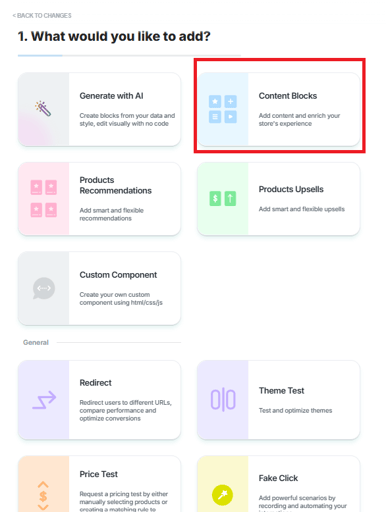
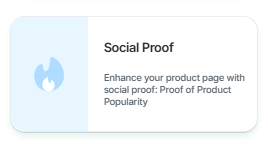
Scroll down until you see the Social Proof widget:
You can then modify the widget according to your preferred styling:
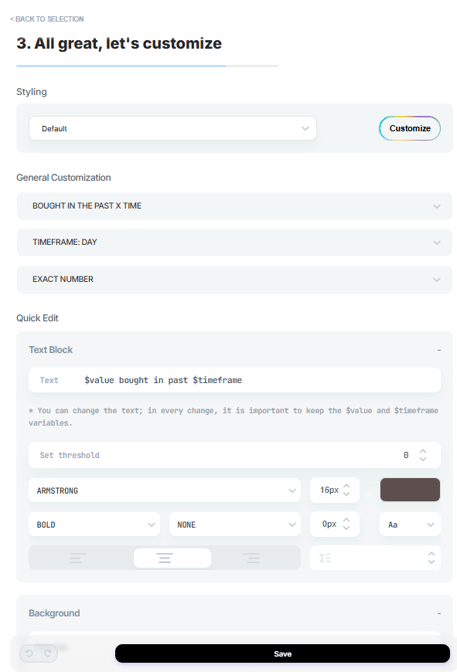
What Purchases Does Social Proof Count?
Social Proof counts the following purchase types:
- One-time purchases
- The first payment of a subscription
- Recurring subscription rebills
This means that Social Proof includes both the initial subscription payment and subsequent recurring payments.
Why Might the Purchase Count Not Match My Expected Total?
If you're using Social Proof on a newly created product page, the displayed purchase count may not reflect the full purchase history you expected.
For example, if you recently created a new PDP, the purchase count may not show the total number of purchases from the previous week.
This is because the displayed count may depend on the product page and its associated purchase data.
If you have questions about the purchase count displayed for a specific product, contact Visually Support so we can help review it.
Need Help?
If you need help setting up Social Proof or understanding the purchase count displayed on your storefront, reach out through the chat support widget or email support@visually.io.