
If a store has multiple inventory locations, Visually does not automatically switch between them based on the visitor's country.
How Is Inventory Checked?
Visually supports syncing inventory from one Shopify inventory location per store.
This can be:
- The store's default inventory location, or
- A different, non-default inventory location configured for the store.
The selected inventory location is used when determining whether a product is considered out of stock.
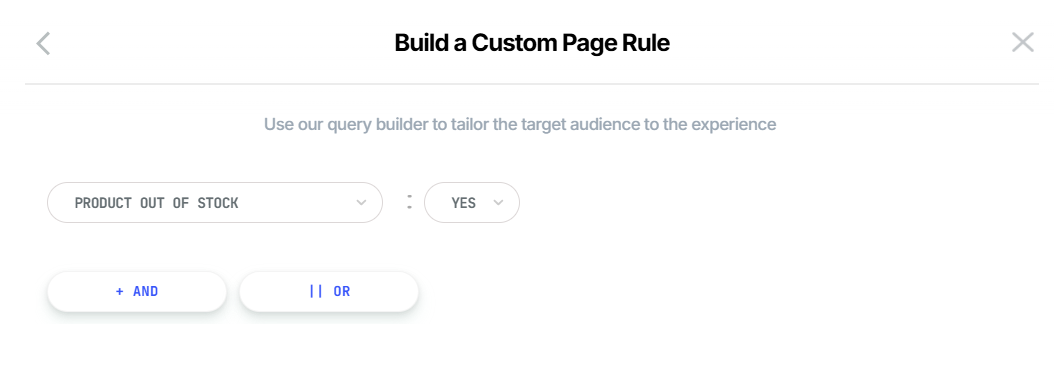
Does Country Targeting Change the Inventory Location?
No. The Country targeting condition and Product Out of Stock condition are evaluated independently.
For example, suppose a store has:
- Canada inventory: 0 units
- US inventory: 10 units
And the Experience uses:
Country = Canada
ANDProduct Out of Stock = Yes
The Country = Canada condition identifies visitors from Canada, but it does not cause the Product Out of Stock condition to check the Canadian inventory location.
The Product Out of Stock condition continues to use the single inventory location configured for the store.
Likewise:
Country = US
ANDProduct Out of Stock = Yes
will not cause Visually to check the US inventory location.
Visually supports one inventory location per Shopify store for inventory-based targeting.
The Product Out of Stock condition does not dynamically select an inventory location based on the visitor's country. If you need to determine product availability separately for different inventory locations, this cannot be achieved by simply combining the Country and Product Out of Stock conditions.
For further assistance or questions, reach out on the chat support widget or via support@visually.io.