
Integration with Amplitude
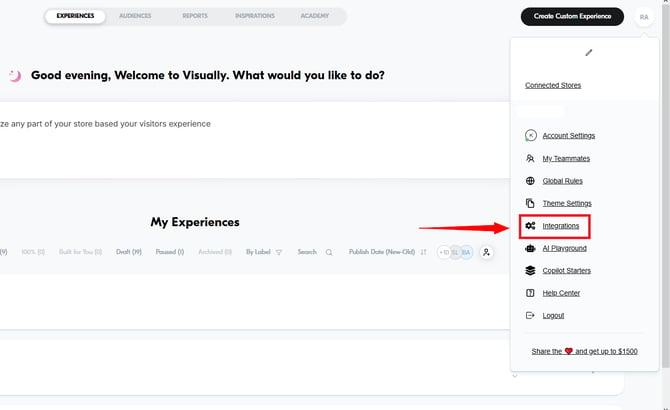
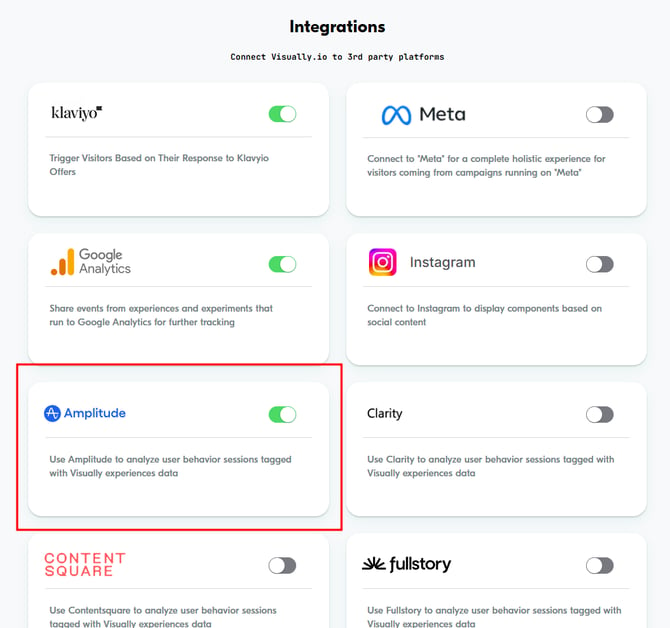
To enable the Amplitude integration, navigate to the Integrations section in your Visually account and enable the Amplitude toggle.
If you're collecting data through Segment, Visually uses Segment's Track API to send information about the experiences allocated to a user. For example:
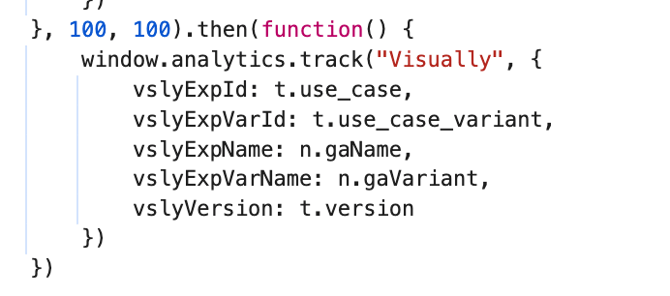
A separate event is triggered for each allocated experience, whether the user is assigned to the Control or Variant group.
If you'd prefer to send events only for specific experiences, we can also provide a JavaScript snippet to help you do so. Just let us know!
Having Trouble?
We’ve got your back.
Email us at support@visually.io or reach out on chat for help with setup or troubleshooting.